
CONTROL Resonant Stutter and Audio Desync: What Patches Fixed
What Remedy fixed for stutter and audio desync in updates 1.4.0 and 1.4.1, plus the settings and reports that players say make frame pacing steadier.

Check your version before you change anything. Remedy’s 1.4.0 notes list audio desync and the frame drops in the Artist Resonant fight as fixed, and 1.4.1 repairs two problems that 1.4.0 itself created. If you still see stutter, the settings below are the ones players report helping.
What patch 1.4.0 fixed
The audio section of the official notes says the update fixed audio desyncing across the game. Remedy calls it the haunting bug of Alan Wake 2, which tells you it is the same class of problem the studio hit before. The same update also added a separate volume slider for radio dialogue and a mute option for the credits song.
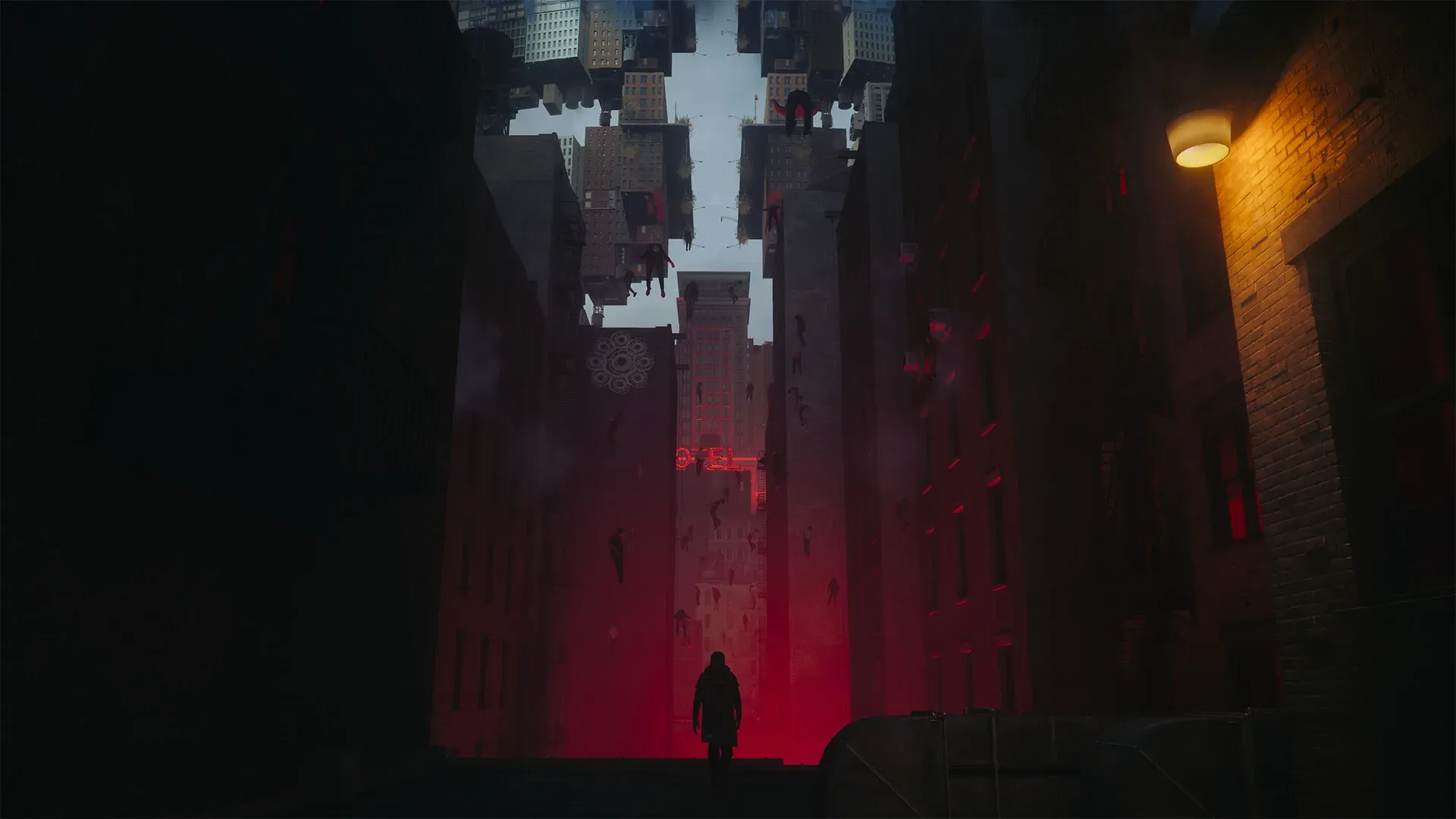
Two more items matter for frame pacing. The notes list a fix for a visual effects problem that could drop the frame rate during the Artist Resonant fight, and several performance optimizations aimed at PC minimum and recommended specifications.
Remedy also says AMD released optional drivers that improve performance and fix several crashes, and links release 26.9.2. If you are on an AMD card and have not updated, start there.
What patch 1.4.1 changed
The hotfix is small and specific. It restores the quest step in The Park Resonant where eating the Mold became impossible, and it fixes Dash canceling while using Elevate. Remedy notes that thousands of changes went into 1.4.0 and some slipped through.
Neither is a performance fix. If your problem is stutter, 1.4.1 does not address it.
Why some players report worse frame rates after 1 October
One Steam thread opens with a player whose frame rate dropped after the update on identical settings. That thread has 81 replies, and the reports inside it are about specific machines rather than a pattern Remedy has acknowledged.
Treat it as a report. Remedy has not published a statement about post-patch regressions.
The order to try
- Update your GPU driver. On AMD, use the release Remedy links.
- Cap the frame rate. A steady 60 reads better than a fluctuating 90.
- Turn V-Sync on if frame-time spikes bother you more than input lag.
- Close overlays from Steam, Discord and capture software.
- Keep GPU usage below roughly 75 percent if you can.
That last point comes from a player with 65 replies behind the thread. Lowering GPU usage brought the frame-time graph almost flat in his testing. It is one player’s measurement, not an official recommendation.
Audio desync workaround players report
A Reddit post with 25 upvotes describes using a RAM block cache tool to stop the desync and reduce stutter to brief hiccups. It worked for the author. It is a third-party tool and the page labels it as an unconfirmed player method.
If audio is still wrong after 1.4.0, check the new radio dialogue slider first. It changed the audio balance between speakers and the controller speaker, which is a common cause of suddenly quiet dialogue.
FAQ
Do I need 1.4.1 for performance? No. It fixes two quest bugs.
Is stutter officially fixed? The named fixes are audio desync and the Artist Resonant effect. Other stutter is not claimed as fixed.
Will these settings change with the next patch? Possibly. These notes describe versions as of 5 October 2026.